Verified download destinations
Windows uses direct installer downloads and macOS opens the matching App Store. Unverified platforms never use simulated links.
Latest stable release
The mobile download page for iPhone and iPad. Downloading will be enabled when the App Store URL is connected.
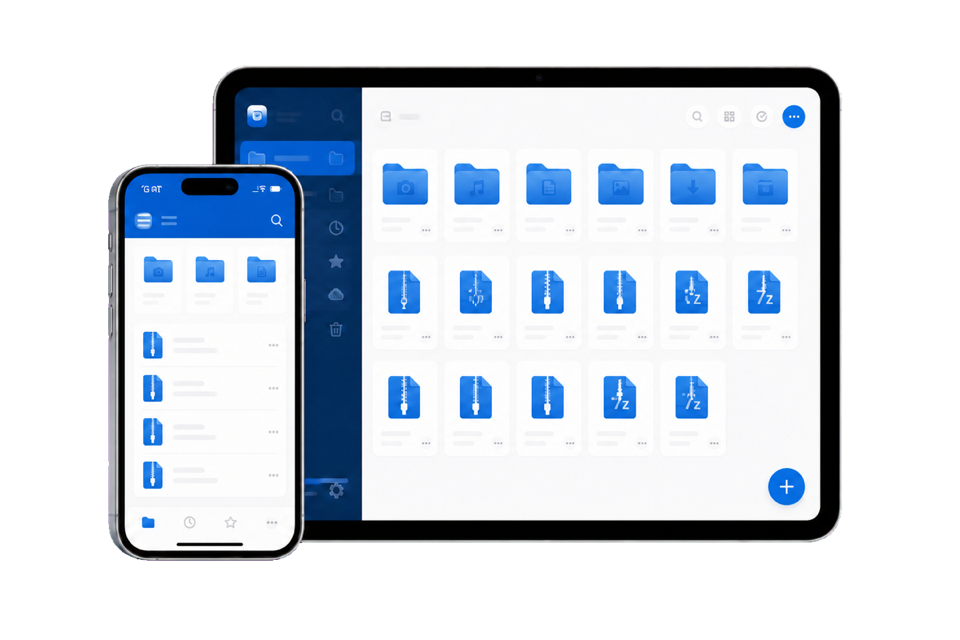
System and release information
Before you download
Windows uses direct installer downloads and macOS opens the matching App Store. Unverified platforms never use simulated links.
Handle ZIP, RAR, 7Z, TAR, ISO, GZ, XZ, and many other common archive formats.
Password protection, AES-256 encryption, and archive integrity checks are supported.
Installation steps
Check your platform, OS version, and processor architecture.
Use the on-site package and follow your system's installation prompts.
Open archives directly or use the system menu to create and extract files.